

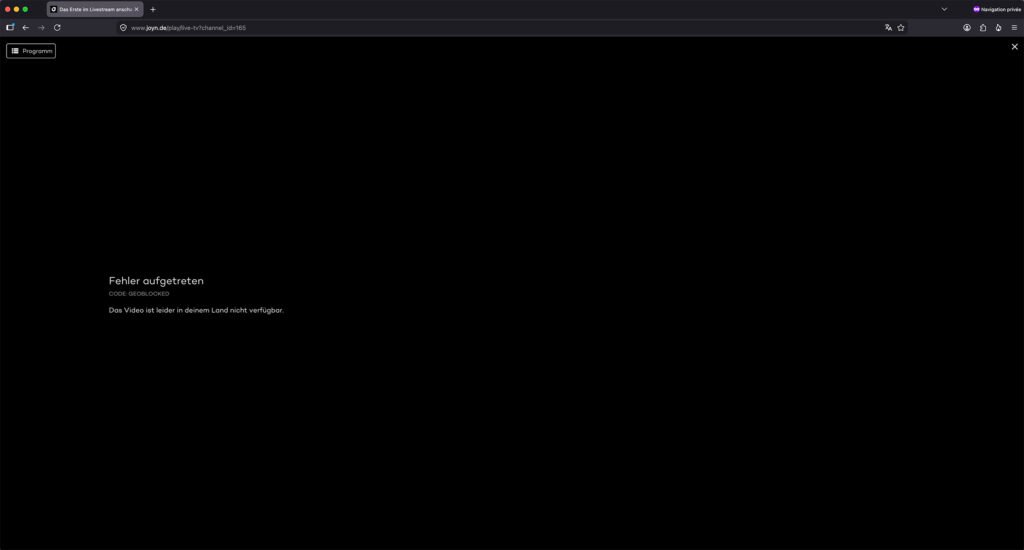
Whether you’re traveling outside Germany, living abroad, or simply on vacation, you’ve probably discovered that Joyn doesn’t work outside Germany. Instead of your favorite TV show or live channel, you’re greeted with an error message explaining that the content isn’t available in your region.
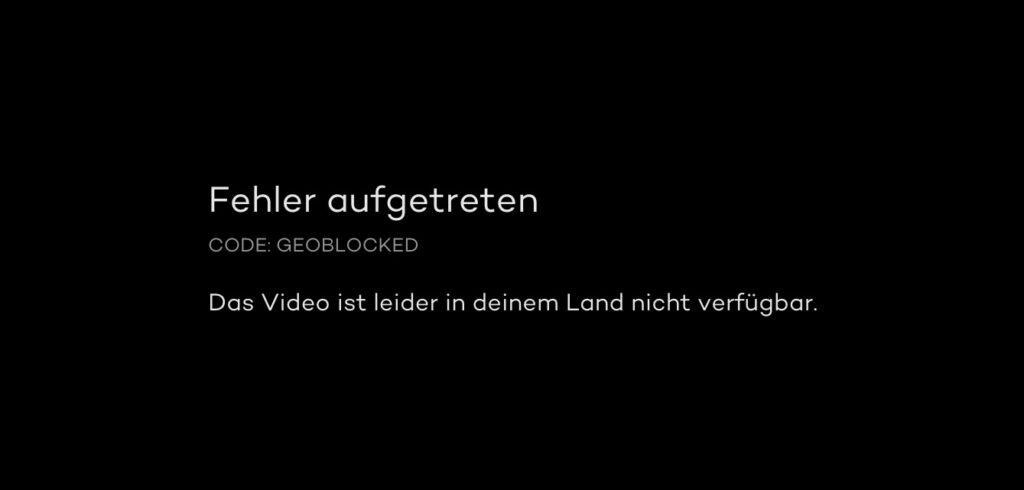
CODE: GEOBLOCKED
Das Video ist leider in deinem Land nicht verfügbar.”
Fortunately, there’s a simple solution.
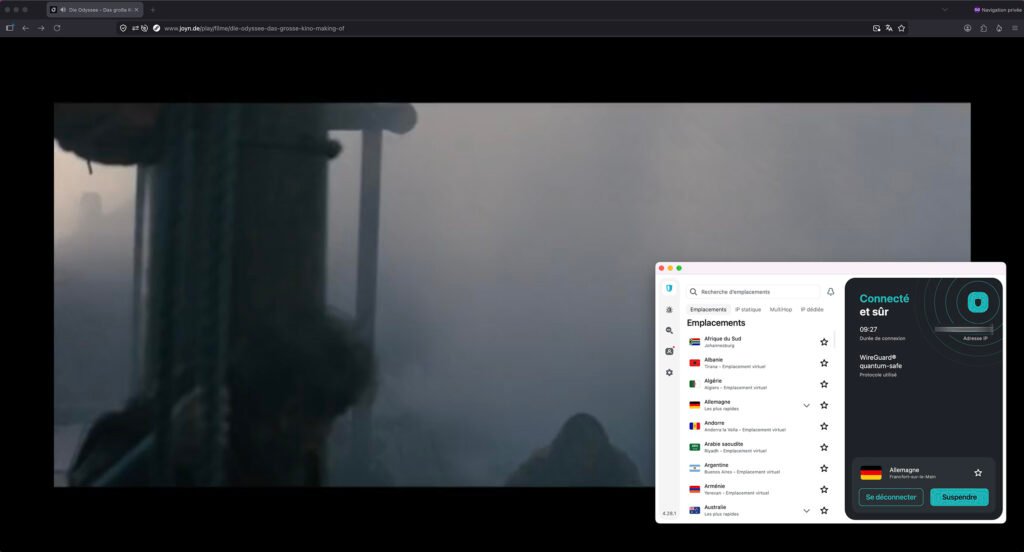
By using a reliable VPN with German servers, you can obtain a German IP address and securely access Joyn from almost anywhere in the world.
In this guide, we’ll explain what Joyn is, why it’s geo-restricted, and how to watch Joyn abroad using a VPN like Surfshark.
Easy 5 steps to Watch Joyn Abroad?
- Go to the Joyn site.
- Select a free trial or a paid membership, and create your account.
- Download and instal Surfshark VPN.
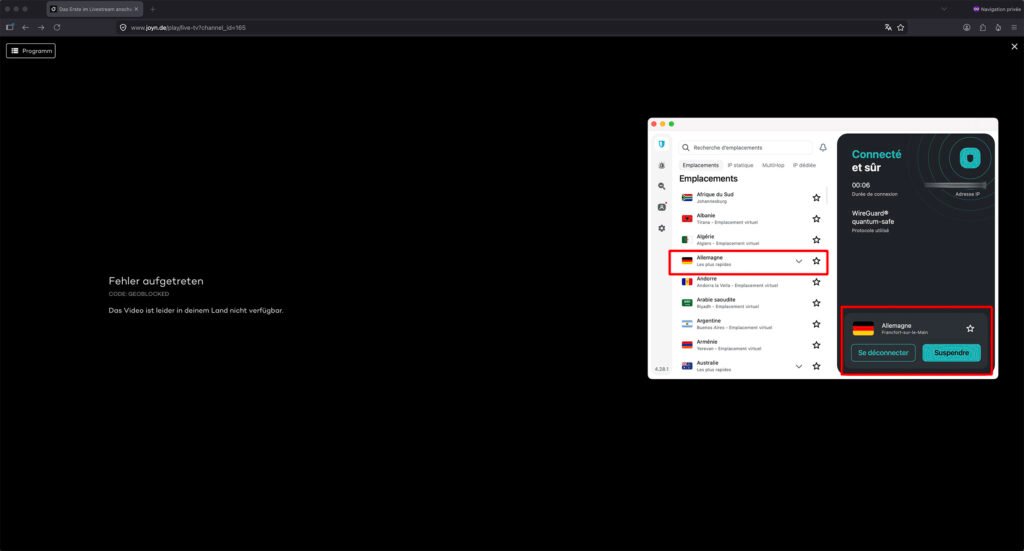
- Open Surfshark VPN App and connect to a German Server.
- Select a Live TV, or On-Demand video, start streaming, and enjoy your favorite content on Joyn platform.
Surfshark VPN Limited Time Deal. Good VPN for Joyn, and many other streaming services, like Netflix and Disney Plus. | 30-day money-back guarantee.
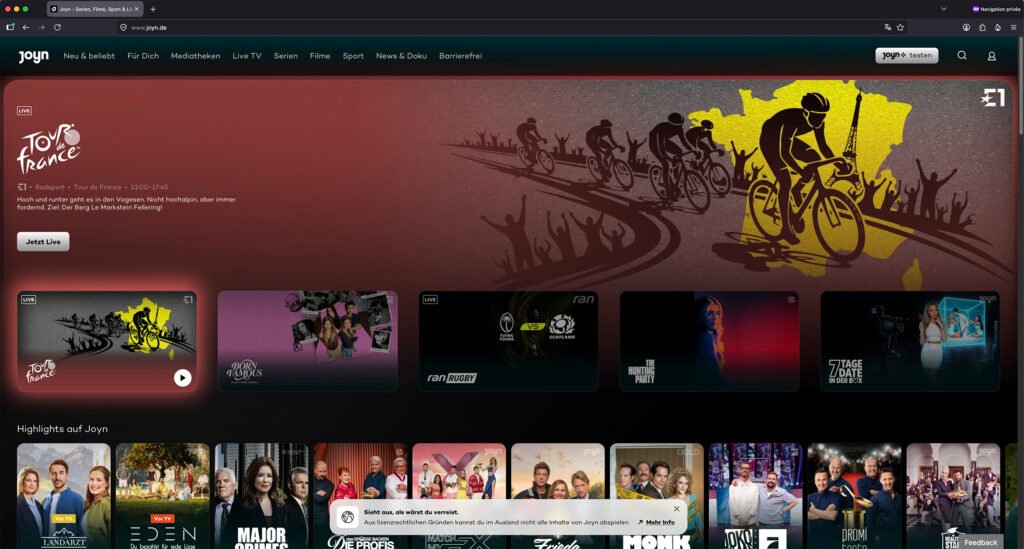
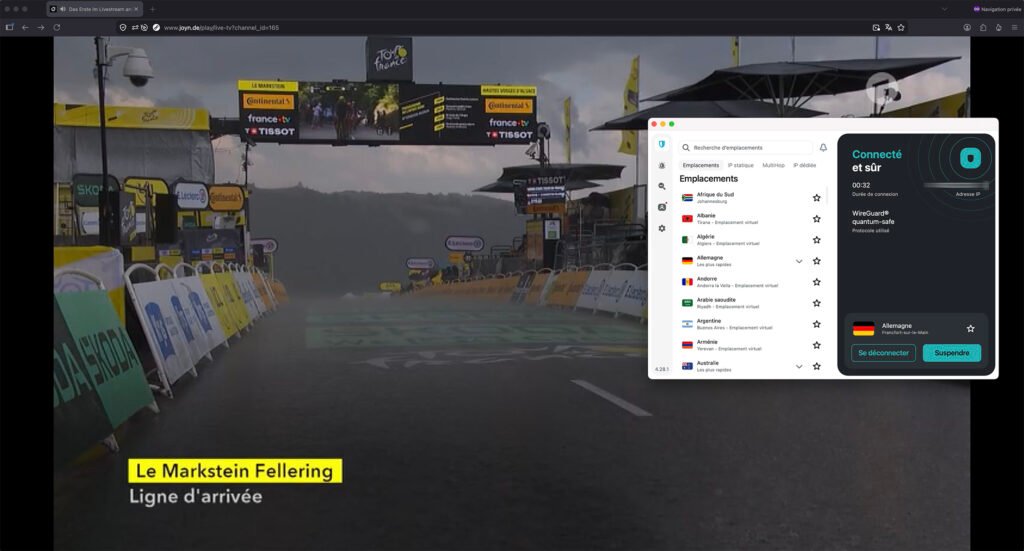
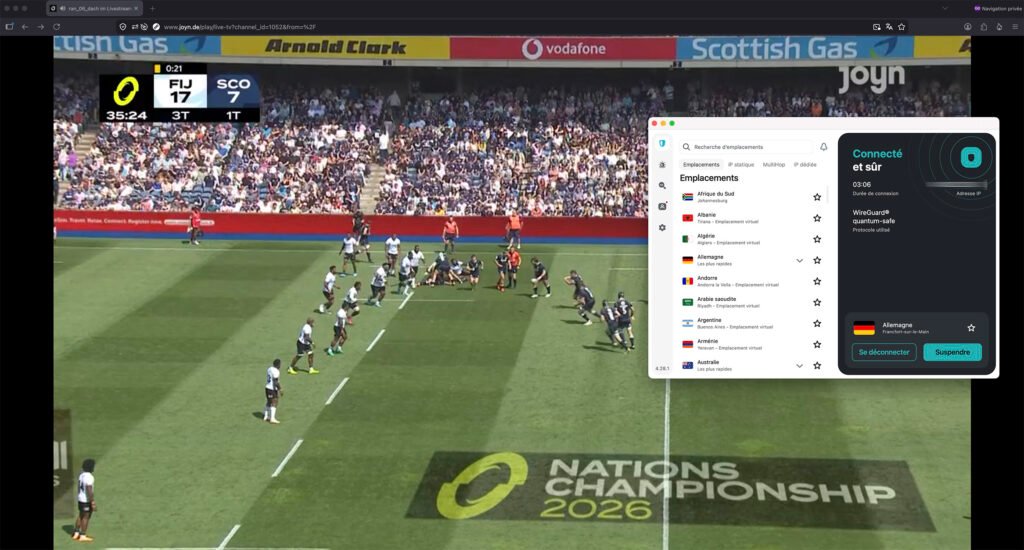
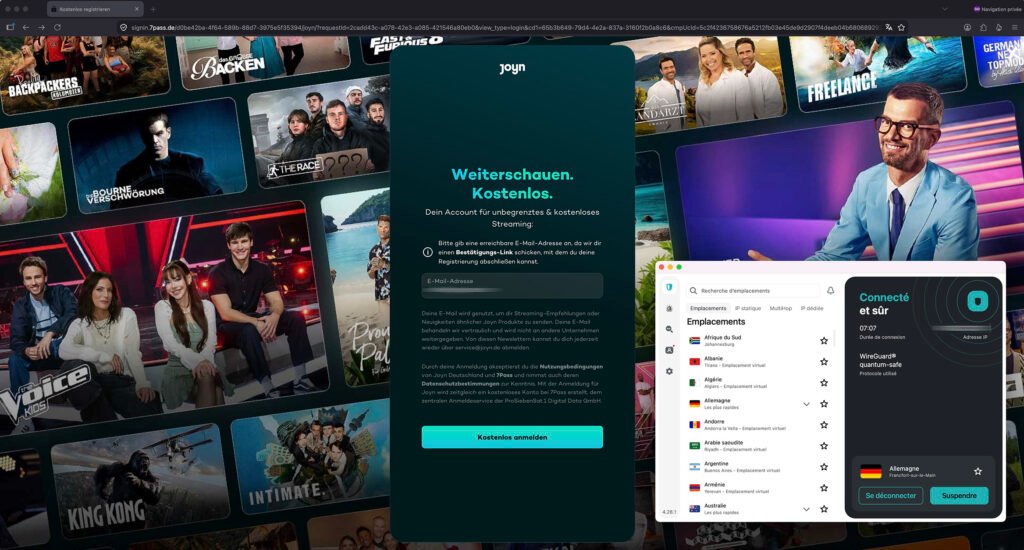
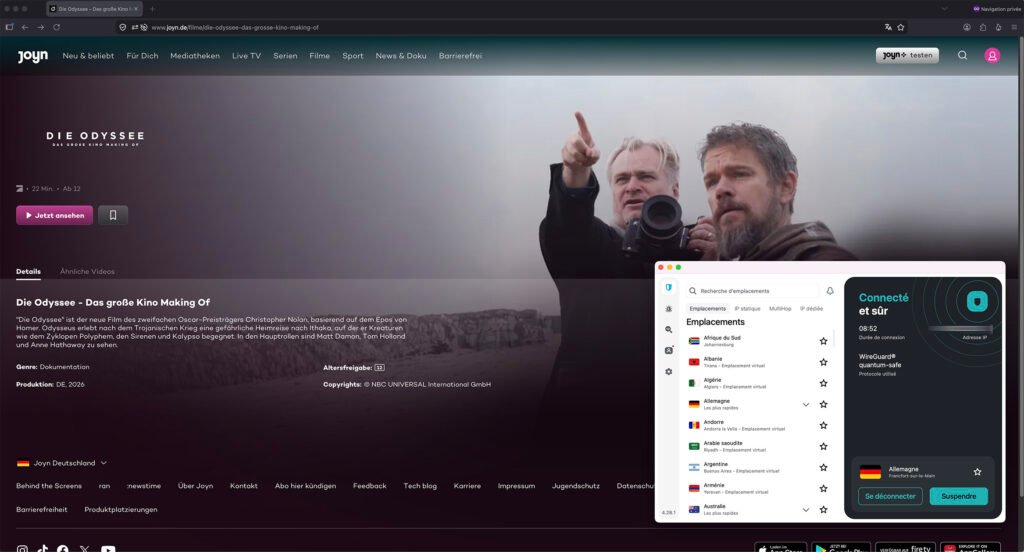
What is Joyn?
Joyn is one of Germany’s largest streaming platforms, owned by ProSiebenSat.1 Media. It combines live television, on-demand streaming, exclusive originals, movies, documentaries, sports, and entertainment into one platform.
Joyn offers two services:
Joyn FREE
- 100+ live TV channels
- Thousands of TV shows
- Movies
- Documentaries
- News
- Kids content
- Reality shows
- No subscription required
Joyn+
The premium subscription unlocks:
- Complete TV series
- Exclusive originals
- Latest movies
- HD streaming
- Fewer advertisements
- Downloads for offline viewing
- Premium TV channels
Joyn is available on:
- Windows & Mac browsers
- Android
- iPhone & iPad
- Android TV
- Apple TV
- Amazon Fire TV
- Chromecast
- Samsung Smart TVs
- LG Smart TVs
The service is designed primarily for viewers in Germany, although some Joyn+ content can be accessed temporarily within the EU/EEA under portability rules.
Why is Joyn Blocked Outside Germany?
Joyn licenses most of its content exclusively for Germany.
When you visit Joyn, the platform checks your IP address to determine your location.
If your IP address comes from:
- USA
- UK
- Canada
- Australia
- UAE
- France
- Spain
- Italy
- Tunisia
- or any country outside Germany
Joyn blocks most FREE content and displays a licensing error because it detects that you’re outside Germany. Joyn also actively detects and blocks many VPN and proxy IP addresses.
Can You Watch Joyn Abroad?
Yes.
The easiest method is to use a VPN that provides German servers.
A VPN changes your virtual location by routing your internet connection through Germany, giving you a German IP address. To Joyn, it appears as though you’re streaming from within Germany.
Why Use Surfshark for Joyn?
Surfshark is one of the best VPNs for accessing German streaming services because it offers:
- Fast German servers
- Unlimited simultaneous device connections
- Smart DNS support
- Apps for every major platform
- WireGuard protocol for fast streaming
- AES-256 encryption
- No-logs policy
- 30-day money-back guarantee
It also works with many popular German streaming services, including Joyn, when connected to a suitable German server, though no VPN can guarantee uninterrupted access because streaming services regularly update their VPN detection.
How to Watch Joyn Abroad with Surfshark
Follow these simple steps:
Step 1 — Subscribe to Surfshark
- Create a Surfshark account and install the app on your device.
Step 2 — Connect to a German Server
- Open Surfshark.
- Select Germany from the server list.
- Wait until the VPN connection is established.
Step 3 — Open Joyn
- Visit Joyn in your browser or launch the Joyn app.
Because your IP address now appears to be in Germany, you should be able to access content available for your account and location.
Step 4 — Start Streaming
Enjoy:
- Live TV
- Movies
- German TV shows
- Sports
- Joyn Originals
- Entertainment
Why Doesn’t Joyn Work with Some VPNs?
Many free or low-quality VPNs fail because:
- Their IP addresses are already blacklisted.
- They have few German servers.
- They are too slow for HD streaming.
- They leak DNS or IPv6 information.
- They cannot keep up with Joyn’s VPN detection systems.
Premium VPN providers are generally more successful because they refresh IP addresses and invest in streaming compatibility, but access can still vary over time.
Troubleshooting Joyn VPN Issues
If Joyn still detects your VPN:
- Switch to another German server.
- Clear your browser cookies and cache.
- Use a private/incognito browser window.
- Disable GPS location services on mobile if prompted.
- Turn off any proxy services.
- Restart the Joyn app.
- Contact your VPN’s support team for recommended servers optimized for streaming.
Is It Legal to Watch Joyn with a VPN?
Using a VPN is legal in most countries.
However, accessing geo-restricted content with a VPN may violate a streaming platform’s Terms of Service. Users should review Joyn’s terms and comply with applicable laws in their country. A VPN should also be used for legitimate purposes such as improving privacy and securing internet connections.






Joyn viser fejl har vpn